Free Printable Subscription Tracker Templates (PDF Download)
Download free printable subscription tracker templates to manage your subscriptions on paper. Nine professional PDF templates included - perfect for budgeting notebooks and planners.
SubVault helps you track subscriptions for a one-time payment of $29 - no recurring fees, lifetime access. But we know some people simply prefer working with paper.
That's why we've created nine free printable subscription tracker templates. No sign-up required, just download and print.
While printable trackers give you the simplicity of pen and paper, SubVault adds automated renewal reminders, spending analytics, and instant updates across devices - features that paper can't match. Choose what works best for you, or use both.
Why Use a Printable Subscription Tracker?
Before you start tracking: If you're not sure what subscriptions you have, do a complete subscription audit first to find all your recurring charges.
Digital tools are great, but printable trackers have their own advantages:
- No screen time required - Track subscriptions without opening another app
- Works with your planner - Fits right into your existing budgeting system
- No login needed - Access your tracker anytime, no internet required
- Better memory retention - Writing things down helps you remember them
- Visual overview - See all subscriptions at a glance on one page
- Privacy focused - Your data stays on paper, not in the cloud
Nine Free Templates to Choose From
We designed nine different templates to match different tracking styles and preferences. Each template offers a unique layout to help you manage your subscriptions effectively.
Template 1: Clean Minimalist Table
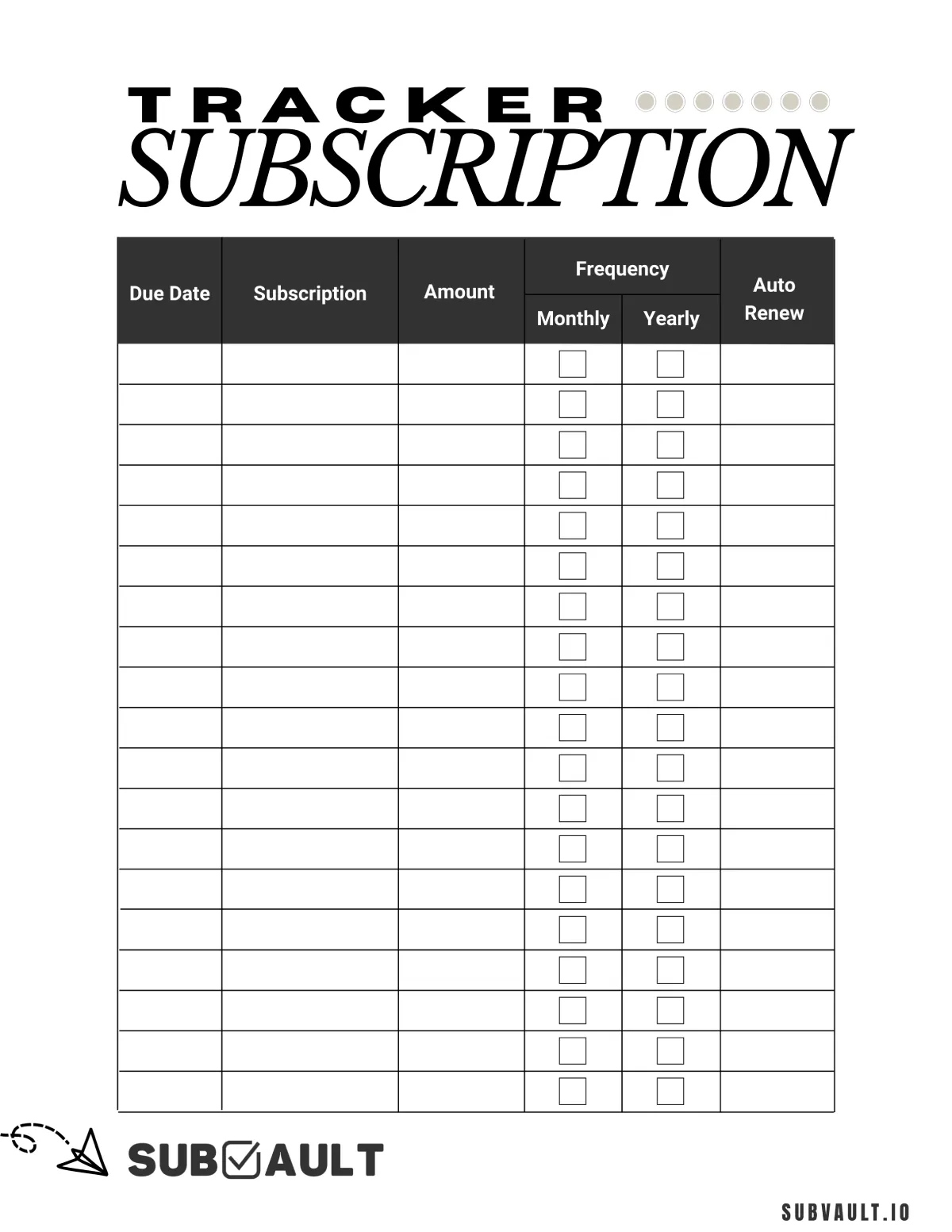
A clean, straightforward table with columns for Due Date, Subscription name, Amount, Frequency (Monthly/Yearly checkboxes), and Auto Renew. Perfect for minimalists who prefer a no-frills approach.
Template 2: Elegant Watercolor Design
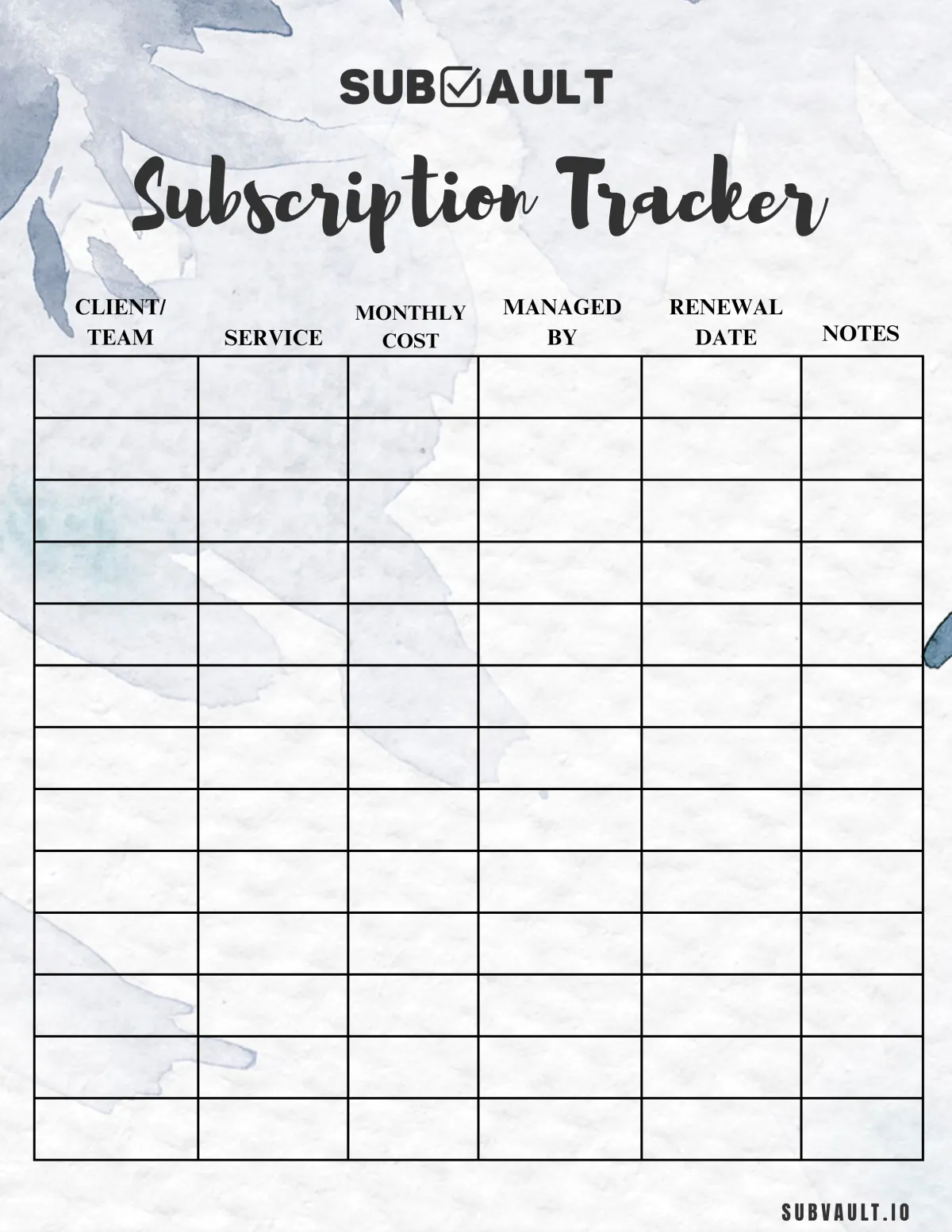
Beautiful blue watercolor background with columns for Client/Team, Service, Monthly Cost, Managed By, Renewal Date, and Notes. Ideal for professionals managing team subscriptions or those who appreciate aesthetic designs.
Template 3: Detailed Card-Based Layout
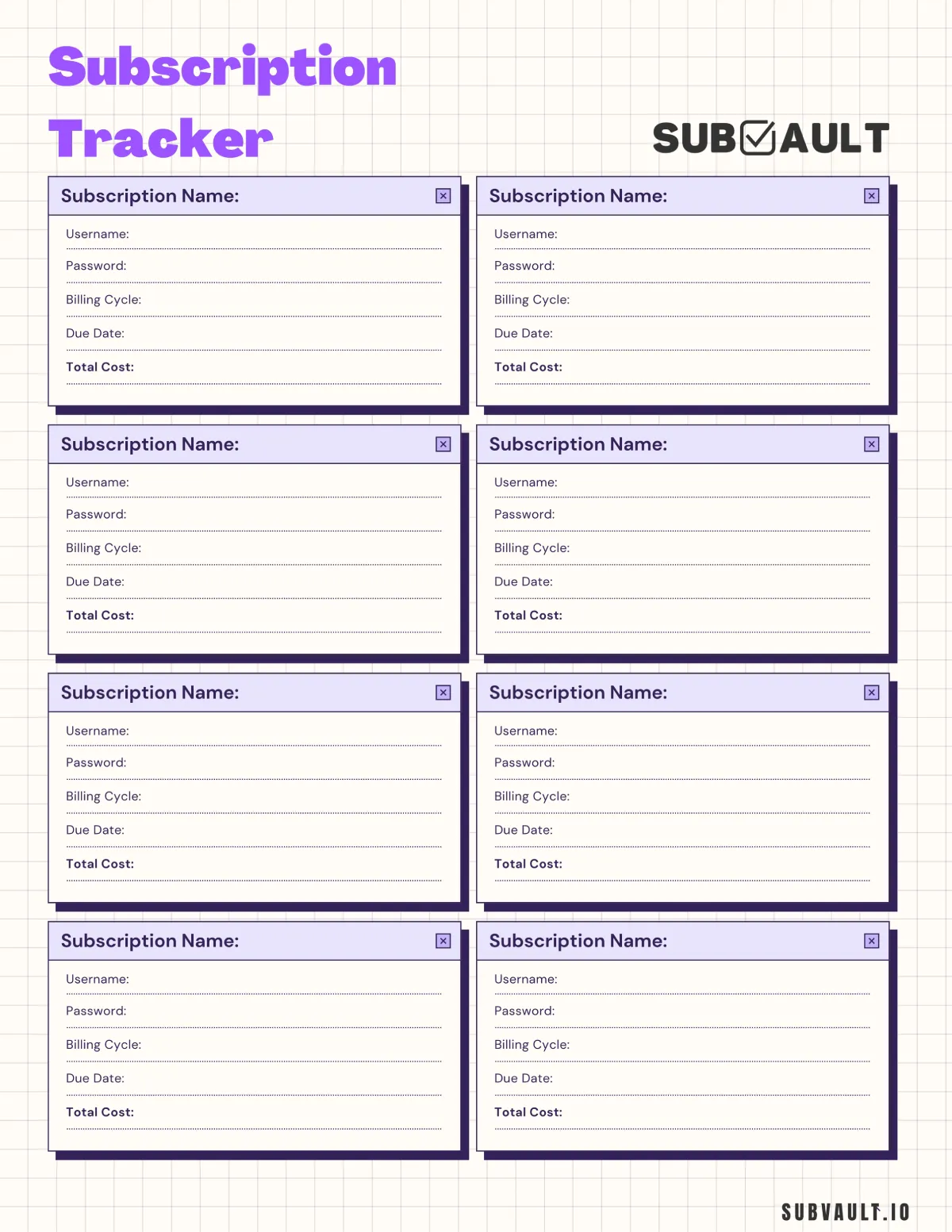
Features 8 subscription cards with detailed fields including Username, Password, Billing Cycle, Due Date, and Total Cost. Perfect for tracking login credentials alongside payment information.
Template 4: Simple Elegant List
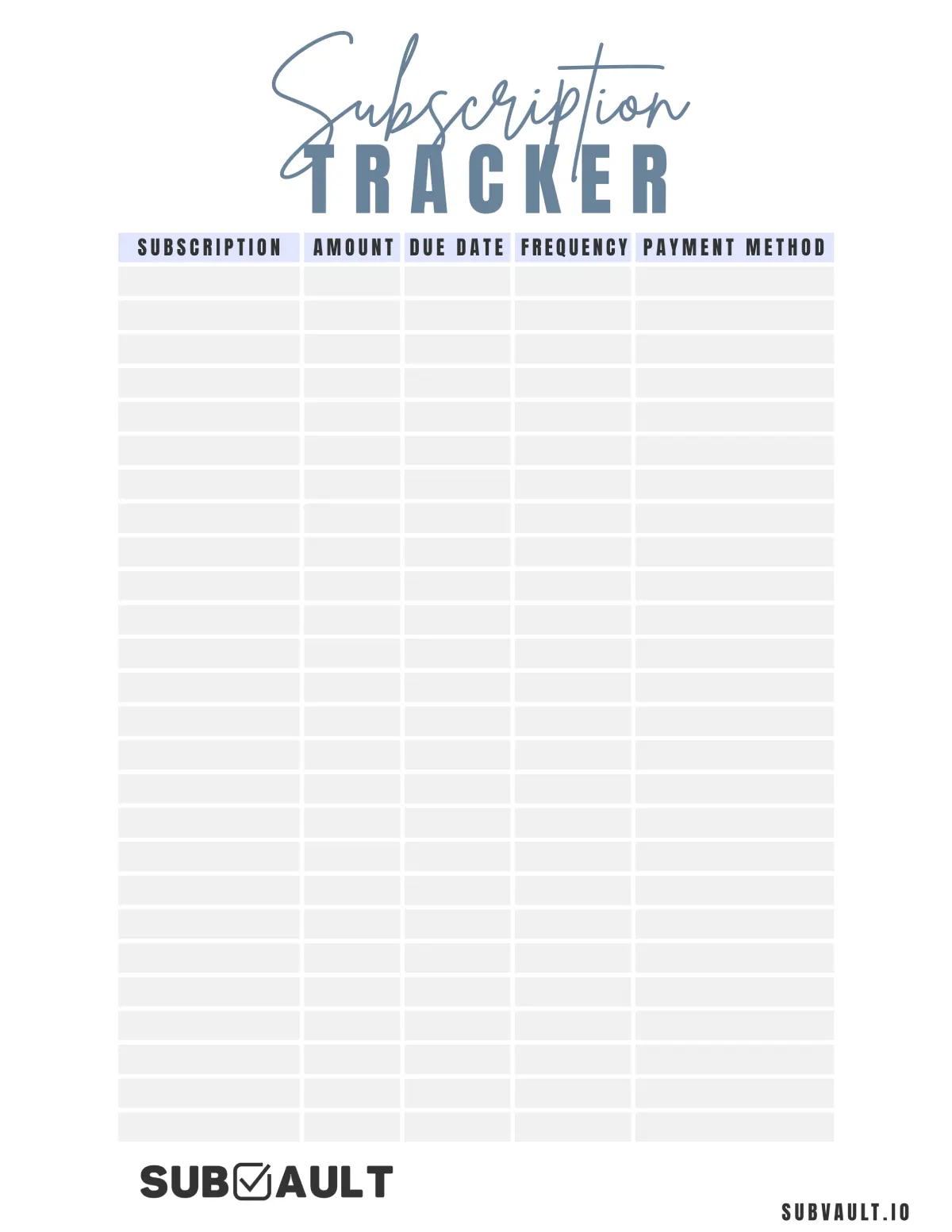
Clean and elegant design with columns for Subscription, Amount, Due Date, Frequency, and Payment Method. A straightforward tracker that focuses on essential information.
Template 5: Calendar Monthly View
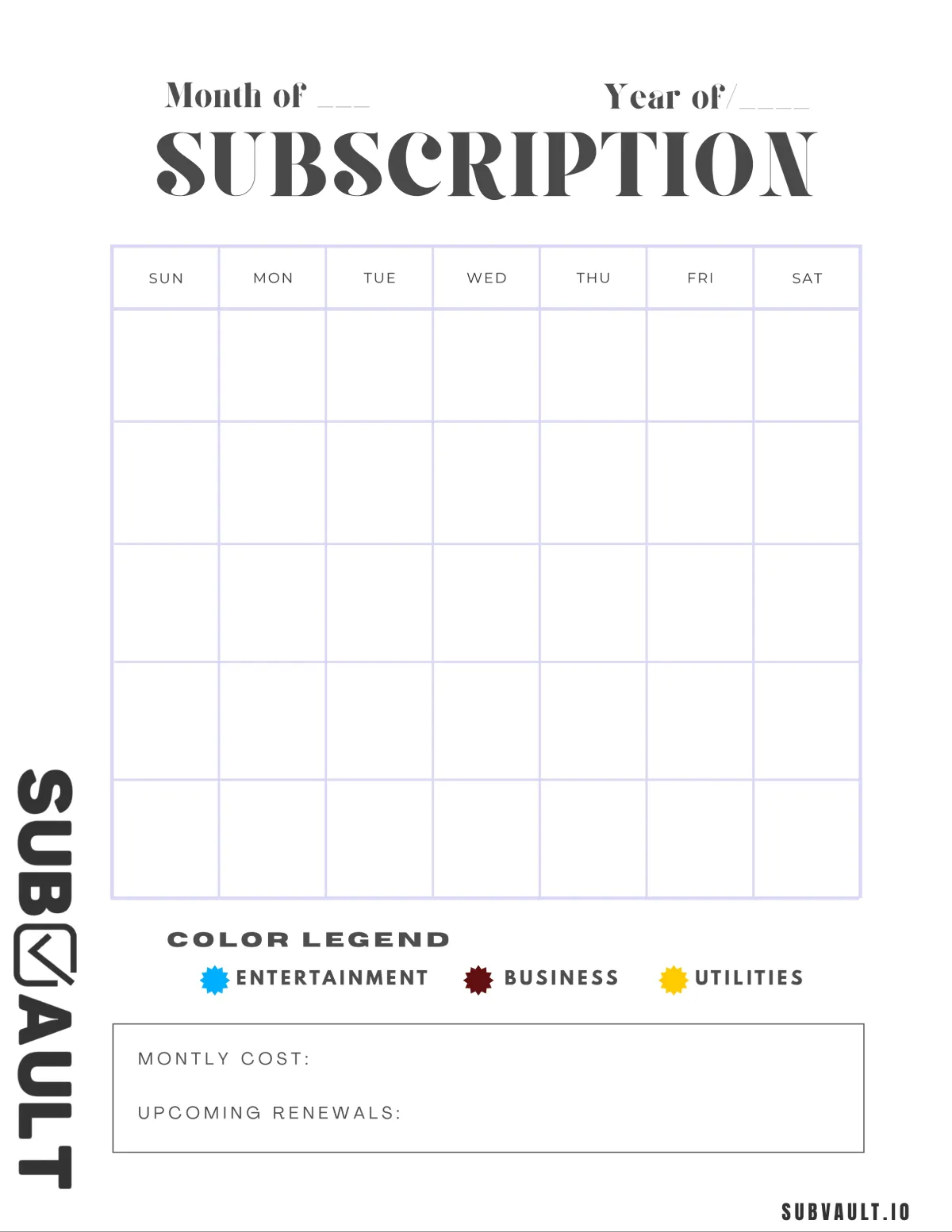
Monthly calendar layout with a color legend for categorizing subscriptions (Entertainment, Business, Utilities). Includes sections for tracking Monthly Cost and Upcoming Renewals.
Template 6: Budget-Focused Dashboard
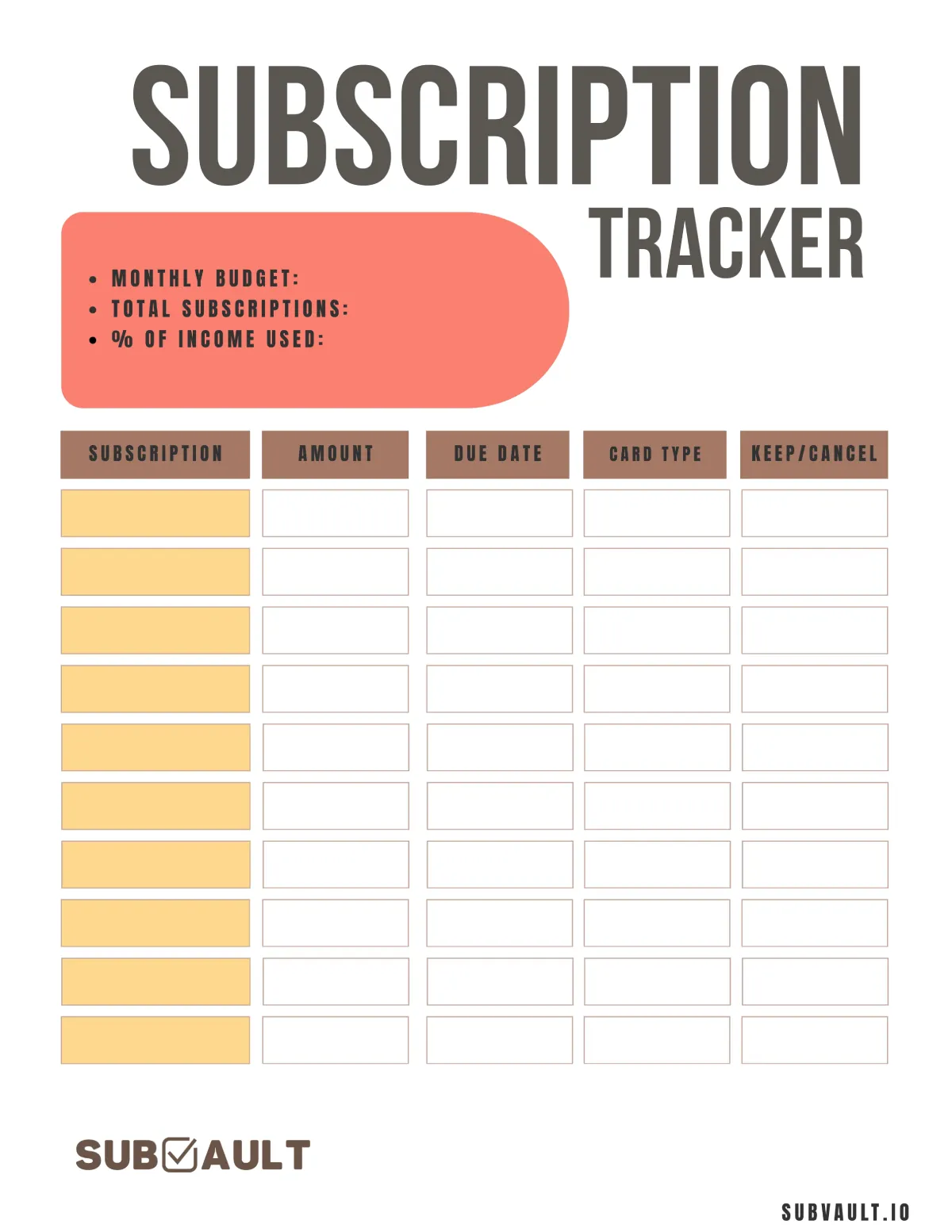
Features a summary section with Monthly Budget, Total Subscriptions, and % of Income Used. Track Subscription, Amount, Due Date, Card Type, and Keep/Cancel decisions. Perfect for budget-conscious users.
Template 7: Comprehensive Numbered List
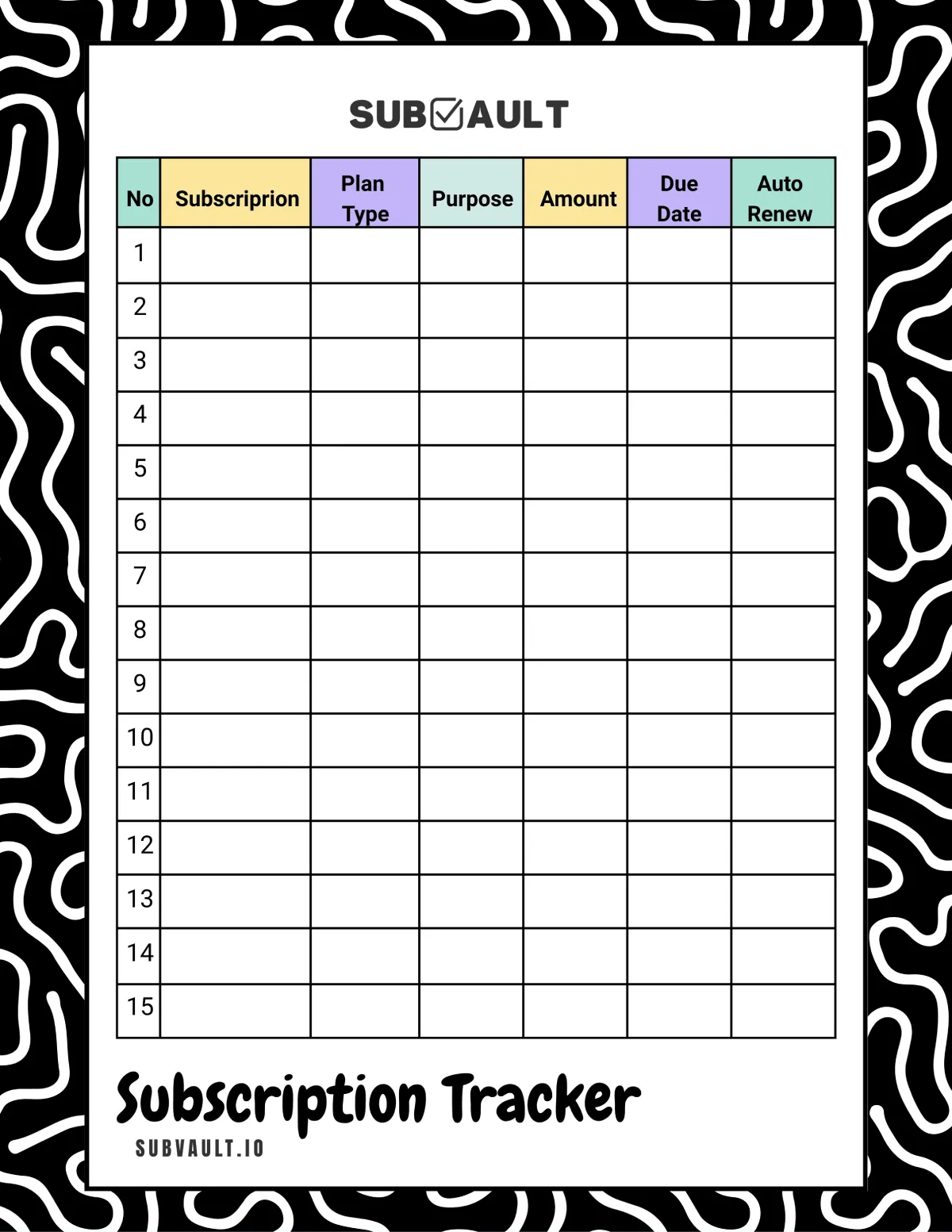
Detailed tracker with 15 numbered rows and trendy border design. Columns include Plan Type, Purpose, Amount, Due Date, and Auto Renew. Great for tracking diverse subscription types.
Template 8: Gaming-Themed Design
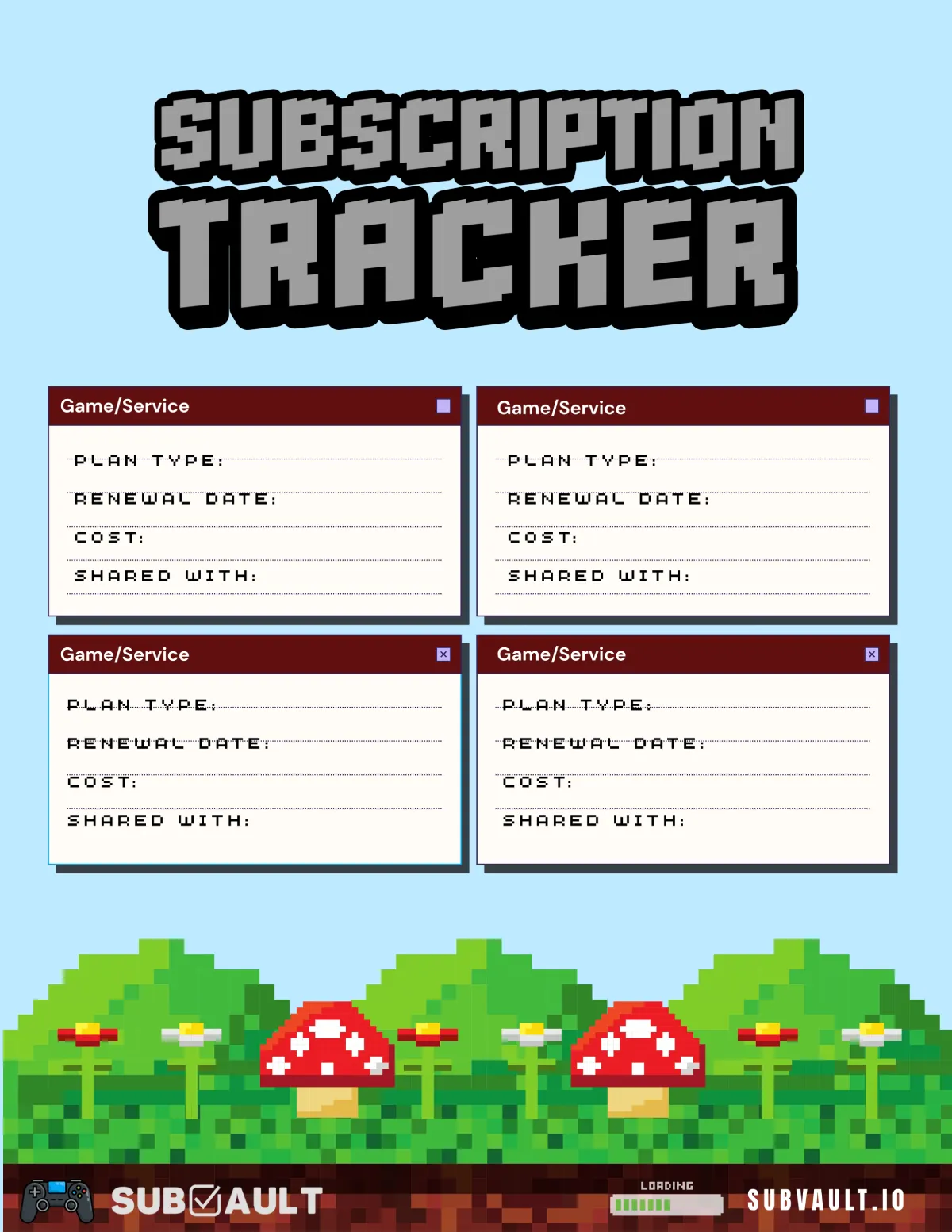
Fun pixel art design with gaming elements (mushrooms, trees). Features 4 card-style entries perfect for gaming subscriptions. Track Plan Type, Renewal Date, Cost, and who you're Sharing With.
Template 9: Visual Arrow Design
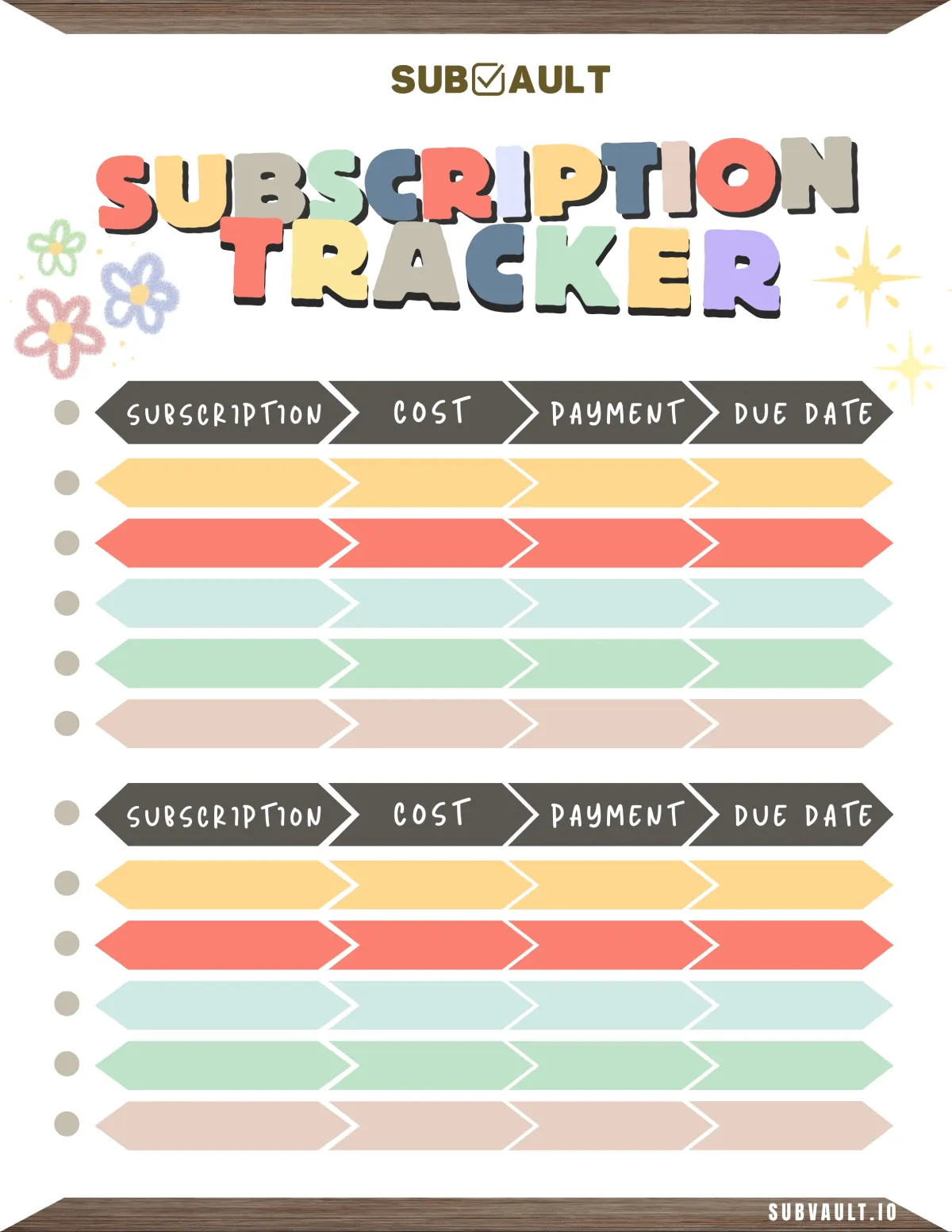
Colorful chevron/arrow-shaped boxes in yellow, coral, mint, green, and beige tones. Track Subscription, Cost, Payment, and Due Date in a visually engaging format. Perfect for visual learners.
Ready to Go Digital?
While printable trackers are great, SubVault automates everything with renewal reminders, spending analytics, and instant updates across all devices.
How to Use Your Printable Subscription Tracker
Follow these steps to get the most out of your printable tracker:
Step 1: Download and Print
- Click the template link above that fits your needs
- Print on standard letter or A4 paper
- Consider printing on heavier paper for durability
- Print multiple copies if you have many subscriptions
Step 2: Gather Your Subscription Information
Before filling out the tracker, collect information about all your subscriptions:
- Check your email for subscription confirmations
- Review your credit card statements
- Look through your bank transactions
- Check app store subscription lists (Apple, Google Play)
- Review streaming service accounts
- Check software licenses and memberships
Step 3: Fill Out the Tracker
For each subscription, record:
- Service name: Netflix, Spotify, Adobe, etc.
- Cost: Monthly or annual amount
- Billing date: When you get charged
- Payment method: Which card or account
- Category: Entertainment, productivity, utilities, etc.
- Notes: Trial end dates, cancellation policies, login details
Step 4: Review Monthly
Set a monthly reminder to:
- Update any changed subscriptions
- Mark cancelled services
- Add new subscriptions
- Review your total spending
- Identify subscriptions to cancel
Tips for Effective Subscription Tracking
Color Code Your Categories
Use different colored highlighters to mark subscription categories:
- Yellow: Entertainment (streaming, music, gaming)
- Blue: Productivity (software, tools, storage)
- Green: Utilities (phone, internet, insurance)
- Pink: Health & Wellness (gym, meditation, meal kits)
- Orange: Education (courses, memberships, publications)
Calculate Your Annual Spend
Many subscriptions show monthly prices that seem small, but add up significantly over a year.
Quick conversion:
- Monthly subscription × 12 = Annual cost
- Example: $9.99/month = $119.88/year
Seeing annual totals often reveals surprising spending patterns.
Set Audit Reminders
Place your tracker somewhere visible and set calendar reminders to:
- Review subscriptions monthly
- Audit unused services quarterly
- Renegotiate annual renewals
- Check for price increases
Mark Trial End Dates Clearly
Many subscriptions offer free trials before charging. Use your tracker's notes section to mark:
- Trial start date
- Trial end date
- Reminder date (2-3 days before trial ends)
- Cancellation deadline
This prevents surprise charges from forgotten trials.
Ready to Go Digital?
While printable trackers are great, SubVault automates everything with renewal reminders, spending analytics, and instant updates across all devices.
When to Switch to Digital Tracking
Printable trackers work great for many people, but you might benefit from a digital solution if you:
- Manage 15+ subscriptions
- Want automated renewal reminders
- Need to share tracking with a partner or family
- Want detailed spending analytics
- Prefer mobile access to your subscription list
If this sounds like you, SubVault offers a simple digital alternative with a one-time payment (no recurring subscription to track your subscriptions). It combines the simplicity of a printable tracker with the convenience of digital automation.
Frequently Asked Questions
Can I edit these templates?
The PDF templates are designed to be printed and filled out by hand. If you need an editable digital version, you can use the PDF as a reference to create your own in Excel, Google Sheets, or Notion.
How often should I update my tracker?
Update your tracker immediately when you:
- Subscribe to a new service
- Cancel a subscription
- Notice a price change
- Change payment methods
Review your complete tracker monthly to ensure accuracy.
Should I track free trials?
Absolutely. Free trials are the most important subscriptions to track because they often convert to paid subscriptions automatically. Mark trial end dates prominently.
What if I have more subscriptions than space on the template?
Print multiple copies or use the compact Template 3, which fits more subscriptions per page. Alternatively, consider using a digital tracker for better scalability.
Can I use these templates commercially?
These templates are free for personal use. If you want to include them in a commercial product or resell them, please contact us first.
Download All Templates
Ready to start tracking? Download any of the nine templates and choose the one that works best for you:
- Template 1 - Simple List Format (PDF)
- Template 2 - Detailed Tracker with Analytics (PDF)
- Template 3 - Compact Dashboard Style (PDF)
- Template 4 - Monthly Overview (PDF)
- Template 5 - Budget Focus (PDF)
- Template 6 - Category Organizer (PDF)
- Template 7 - Renewal Tracker (PDF)
- Template 8 - Annual Planner (PDF)
- Template 9 - Comprehensive Tracker (PDF)
No email required. No sign-up. Just download, print, and start organizing your subscriptions today.
More from the SubVault blog
- How to Organize Your Subscriptions: A 6-Step System That Actually WorksStop wasting $264/year on forgotten subscriptions. Organize everything in one place with our 6-step system. Includes spreadsheet vs. app comparison.
- 6 Best Open Source Subscription Trackers (Self-Hosted Options)6 open source subscription trackers you can self-host. Compare Wallos, SubTrackr, Subs, and more - plus when a hosted option makes more sense.
- Free Subscription Tracker Google Sheets TemplateDownload our free Google Sheets subscription tracker. Track monthly/annual spending, renewal dates, and payment methods in one spreadsheet.
- The Subscription Economy: Why 85% Waste $394/Year on Unused ServicesThe subscription economy hit $3T, but 85% waste $394/year on unused subscriptions. Learn why it happens and how to track, manage, and cancel effectively.
- How to Perform a Subscription Audit (Step-by-Step Guide + Real Savings)Learn how to perform a subscription audit in 30 minutes. Real examples, checklist, and proven strategies that saved people $500-1,800/year.
- How to Manage & Cancel Apple Subscriptions on iPhone, Mac & PCHow to find and cancel Apple subscriptions on iPhone (iOS 27), Mac, Windows, Apple TV and the web. Updated 2026 prices for Apple One, Apple TV, Music and iCloud+.
- 7 Best Rocket Money Alternatives in 2026 (Free & Paid)Compare 7 Rocket Money alternatives for 2026: one-time payment, free and no-bank-link options, plus YNAB, Monarch, Copilot, Simplifi and PocketGuard pricing.